Piso WiFi on Your Devices
Android, iPhone and Windows tips for the 10.0.0.1 portal.

You joined the vendo WiFi and your phone opened Safari, not Chrome. No problem. Piso WiFi pause time in any browser works the same way, because the 10.0.0.1 portal is a plain web page. This guide shows where Safari, Firefox, Edge and Opera act differently, and the one setting in each that blocks the portal.
The 10.0.0.1 button works only while you are connected to a Piso WiFi network.
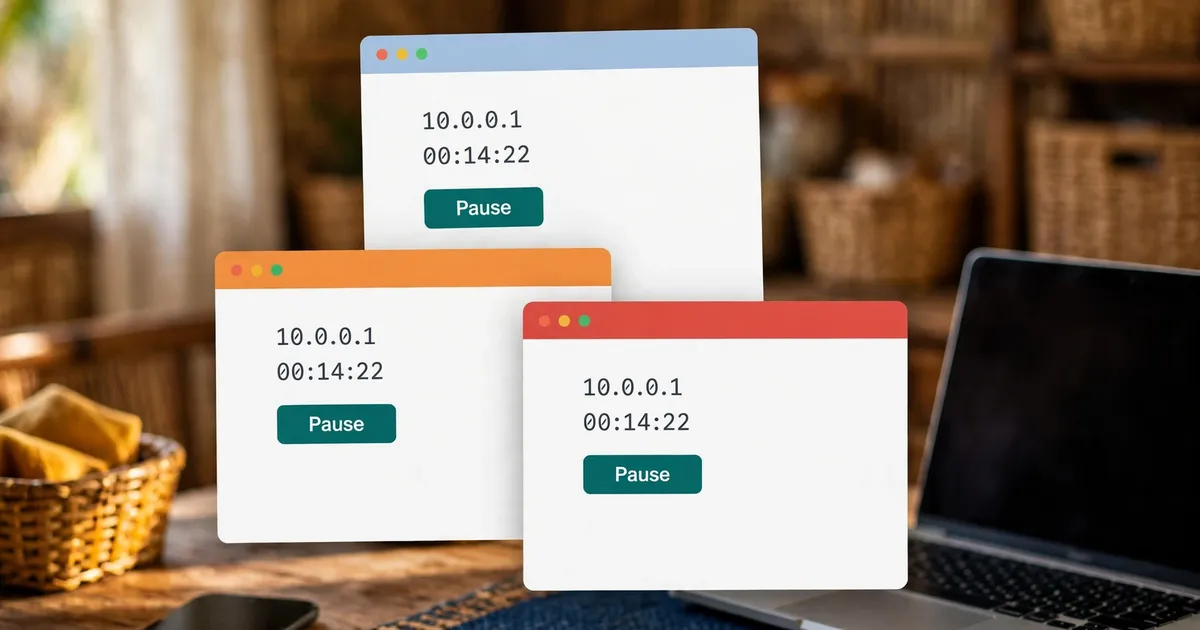
Yes. The vendo serves its portal as an ordinary web page at 10.0.0.1, so Safari, Firefox, Edge, Opera and Samsung Internet all show the same Insert Coin and Pause buttons. Only the settings around the page differ from one browser to the next.
Here's the thing. The vendo doesn't care which app you open. It watches for your device on its WiFi and answers any plain web request with its sign-in page. That's why Piso WiFi pause time doesn't depend on the app you pick.
So the real work is getting the browser out of the way. Three habits do the blocking: forcing secure HTTPS pages, routing traffic through a VPN, and closing the sign-in window too early. Each section below handles one browser and its usual blocker.
Using Chrome? Skip ahead to the Chrome walkthrough, which covers the Chrome menus step by step.
Join the vendo WiFi, open your browser, type http://10.0.0.1 in the address bar, pay for minutes, then tap Pause before you walk away. Tap Resume when you come back. The five steps stay the same in every browser.
Pick the vendo network name in your WiFi list and wait until the device shows it as connected.
Enter http://10.0.0.1 in full. The http:// part stops the browser from searching for the numbers or jumping to a secure version that the vendo can't answer.
Tap Insert Coin and drop your coins, or type a voucher code where the portal offers one. Your remaining time appears on the page.
The countdown freezes right away, and that frozen clock is Piso WiFi pause time at work. Close the tab if you like, because the vendo keeps your minutes, not the browser.
Open 10.0.0.1 again and tap Resume. The timer picks up where it stopped.
Want the full story behind the button? Read the pause time guide, which explains how pausing works on the vendo side. Now that you know the core flow, let's look at each browser.
Open Settings, tap Wi-Fi, tap the vendo network name, and wait for the login screen. Pay on that screen and don't tap Cancel, since Apple says Cancel drops the network. Later, open Safari and type http://10.0.0.1 to reach Pause.
Apple calls a vendo network a captive Wi-Fi network: a public network you pay for before it lets you online. The iPhone spots one on its own and slides up a small login screen.
No login screen? Apple's fix is simple. Tap the info button next to the network name, then tap Join Network.
That same info page holds two toggles worth knowing:
The login screen is a small window, so it's easy to lose. Safari is the faster route for pausing. Bookmark http://10.0.0.1 there and you can pause your Piso WiFi in two taps.
Firefox's HTTPS-Only Mode tries to load every site over a secure connection. The vendo portal runs on plain HTTP, so Firefox shows a Secure Site Not Available page. Click Continue to HTTP Site and the portal loads with its Pause button.
Firefox does help with the sign-in part. It checks for a portal by loading a test page, firefox-portal-detection.com. When that test fails, Firefox opens the sign-in page in a new tab and shows a bar asking you to log in.
HTTPS-Only Mode is the usual reason you can't pause Piso WiFi in Firefox. You'll find it on a computer under Settings, then Privacy & Security, then HTTPS-Only Mode. Newer versions place it under Connection and software security, inside Advanced settings. Mozilla gives you three choices: on in all windows, on in private windows only, or off.
Turning the whole mode off isn't needed. Click the padlock or shield icon on the portal page and set "Automatically upgrade this site to a secure connection" to Off. That exception covers just 10.0.0.1.
Still no sign-in tab? Mozilla lists five fixes:
Mozilla adds a fair warning: don't type sensitive details into a sign-in page you don't recognise. A real vendo portal asks for coins or a voucher code, nothing more.
Type http://10.0.0.1 into the Edge address bar, then pause your Piso WiFi time on the portal. If Edge refuses, open edge://settings/privacy and check Automatic HTTPS. The "Always switch from HTTP to HTTPS" choice upgrades every site, the vendo portal included.
Microsoft added Automatic HTTPS to Edge in 2021. The default setting upgrades only sites on Microsoft's list of sites likely to support HTTPS. The stricter opt-in choice upgrades every visit, and Microsoft warns that it brings more connection errors.
A vendo portal is exactly that kind of error. Switch back to the default while you sign in and pause your Piso WiFi time. The rest of the flow matches Chrome, since both browsers use the same address-bar steps.
Edge is the browser most people meet on Windows laptops, where the Windows "Action needed" notice and the DNS flush fix get their own guide.
Yes. Opera's built-in VPN sends your traffic through a remote server, so the vendo never sees your request for 10.0.0.1. Click the VPN badge in the address bar and flip the switch off, then open the portal and pause your Piso WiFi time.
Opera's VPN is free with unlimited data. You switch it on in Settings, then Advanced, then Features, then Enable VPN. Once enabled, it starts automatically, and a VPN badge sits in the address bar.
That badge is the quickest fix. Click it, flip the switch off, and load http://10.0.0.1. Turn the VPN back on after your timer runs, if you want the privacy.
But remember to turn it off again before you pause Piso WiFi later. The portal needs a direct line to the vendo every time, not just at sign-in.
On a Galaxy phone, the browser you'll meet first is Samsung Internet, which has its own short guide.
Each browser has one usual blocker. Safari closes the network when you tap Cancel, Firefox forces HTTPS, Edge's strict Automatic HTTPS does the same, and Opera's VPN hides you from the vendo. The table pairs each blocker with its quick fix.
| Browser | Usual blocker | Quick fix |
|---|---|---|
| Safari (iPhone, iPad) | Tapping Cancel on the login screen | Settings, Wi-Fi, tap the network again |
| Firefox | HTTPS-Only Mode | Continue to HTTP Site, or add an exception |
| Microsoft Edge | "Always switch from HTTP to HTTPS" | Set Automatic HTTPS back to the default |
| Opera | Built-in VPN | Flip the VPN badge switch off |
| Any browser | Typing https:// or just the numbers | Type http://10.0.0.1 in full |
Piso WiFi pause time in any browser comes down to these five fixes. None of them touch your coins or your minutes. They only let the page reach the vendo.
Portal still blank after the fix for your browser? Then the problem sits outside the browser, so work through the pause troubleshooting steps next.
Every browser fact on this page comes from the browser maker's own help pages. Apple covers captive Wi-Fi on iPhone, Mozilla covers HTTPS-Only Mode and portal detection, Microsoft covers Automatic HTTPS, and Opera covers its VPN. Each source is linked below.
These six answers cover whether you need Chrome, the Firefox Secure Site Not Available page, the iPhone Cancel button, private windows, Opera's VPN, and whether the Pause button changes between browsers. Each one is short, so you can pause Piso WiFi and get back online.
No. The portal at 10.0.0.1 is a plain web page, so Safari, Firefox, Edge, Opera and Samsung Internet all open it. Type http://10.0.0.1 in full and the same Pause button appears.
HTTPS-Only Mode is on, and the vendo portal uses plain HTTP. Click Continue to HTTP Site to open it, or set the padlock menu's automatic upgrade to Off for 10.0.0.1.
Tapping Cancel on the login screen disconnects the iPhone from the network, according to Apple. Go back to Settings, tap Wi-Fi, tap the vendo name again, and finish on the login screen.
Yes, and Mozilla even suggests a private window when old sessions get in the way. In Firefox, though, HTTPS-Only exceptions don't apply in private windows, so you'll click Continue to HTTP Site each time.
No. Turn it off only while you use the portal. Click the VPN badge, flip the switch off, pay or pause, then switch it back on once your timer is running.
No. The vendo builds the portal page, not the browser, so the button, your remaining time and the coin options look the same in every browser on the same vendo.
Open 10.0.0.1 and pause your time now, or fix a portal that will not load.