Chrome
Browser settings that stop 10.0.0.1 from loading.

Pause stopped working? Work this page from top to bottom before you feed the machine another peso. Every fix below traces to a real cause: an owner switch left off, a cached page lying to you, or a phone setting blocking the portal. Most Piso WiFi pause not working cases are solved by step three.
The 10.0.0.1 button works only while you are connected to a Piso WiFi network.
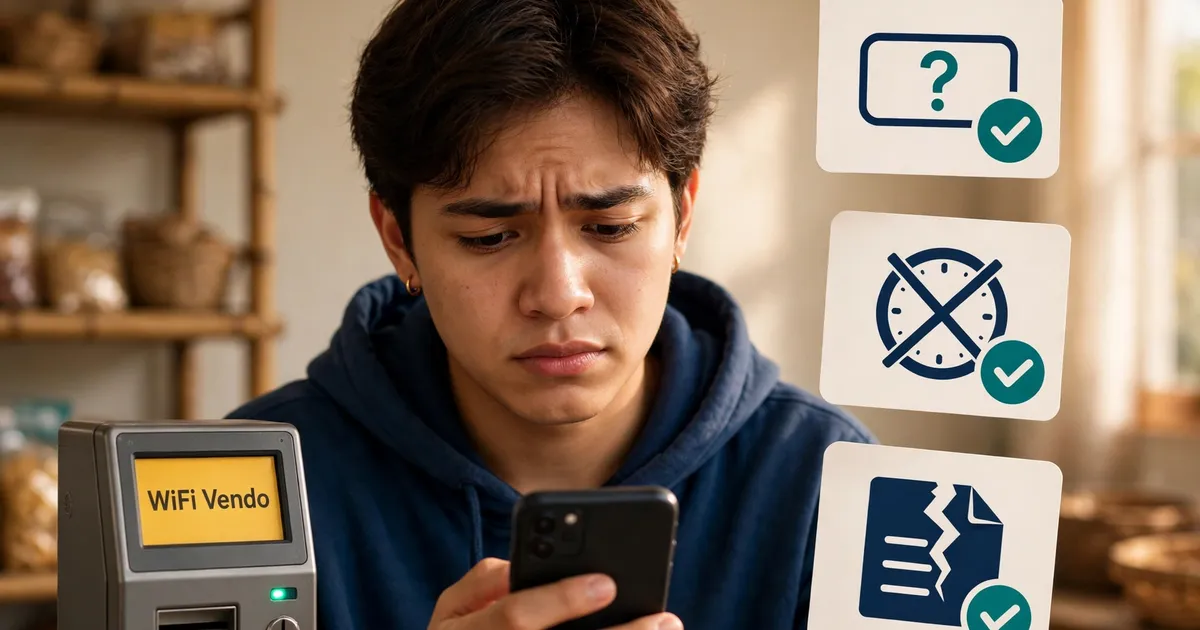
The owner has not switched pause time on, the top cause of Piso WiFi pause button missing reports. On LPB the switch sits under Portal Settings in Insert Coin and Voucher Code modes; on AdoPiSoft it sits under Settings, User Portal Settings, Session Controls.
A stale page can hide a button that is really there. Pull down to refresh, or open http://10.0.0.1 in an incognito window. If the Pause button appears, your cache was the whole problem behind the Piso WiFi pause button missing mystery.
On AdoPiSoft the button can also vanish mid-session. Owners can cap pauses per session, and 10 is the default for 1 to 2 hour credits. Once you hit the cap, the button goes away until you buy fresh time.
If the button never appears, the switch is off on the owner's side, so ask the owner to enable pause from the admin panel. That single switch resolves most Piso WiFi pause not working reports. And skip the so-called pause apps: no app can draw a button the portal itself refuses to show.
Your pause tap never reached the router, or you used up the owner's pause limit. A cached portal page can also lie: it shows Paused while the real timer keeps running. That lie is Piso WiFi pause not working in its purest form.
LPB owners cap pause length instead of pause count: 60 minutes is the default, and the range runs from 10 minutes to 24 hours. AdoPiSoft owners can also set an expiry, often session time plus one hour, which keeps counting even while you are paused. That is the quiet pause time not working trap: the screen looks right while the router bills you.
Watch the portal counter for a few seconds after you tap Pause. If the numbers freeze, your minutes are safe. If they keep moving, the pause never registered, so tap it again and wait for the Paused status. A second Piso WiFi pause not working episode means the owner's limit is spent, so buy fresh time.
You are not on the vendo's WiFi, your mobile data is still on, or the address is wrong. 10.0.0.0.1 has five numbers and is not a real address. Typing it into the search bar shows Google results, a Piso WiFi pause not working false start.
The usual suspects, in the order worth checking:
If Chrome still refuses, work through the Chrome-specific fixes, or read when the portal will not load on our portal tour. Either path ends the most common Piso WiFi pause not working dead end: the phone never reached the portal at all.
The machine never saw the coins, or the countdown ran out before you tapped Done Paying. Tap Insert Coin first, drop coins while the timer runs, then tap Done Paying. A dirty sensor can also swallow coins, which feels like Piso WiFi pause not working.
Screenshot the portal before you walk away. A photo showing zero credited time, with the clock visible, settles most disputes in your favour.
If the slot keeps eating coins, the acceptor sensor is dirty or the firmware lost sync. That is broken hardware, and only the owner can restart the machine or credit your minutes by hand. Coins vanishing into a jammed slot feel like Piso WiFi pause not working, but they are a payment problem, not a pause problem.
Reload the page first: a stale cached copy is the most common cause, and a pull-down refresh brings the live buttons back. If Pause stays dead, the pause limit or an expired session is to blame. That is pause time not working at its simplest.
Run these three checks before anything else:
Still nothing? Re-run the standard pause steps from a fresh incognito window. A clean page rules out every cache and cookie problem at once. If the Piso WiFi pause not working issue survives a clean reload, the session has expired and only a new one helps.
Start with the connection, then the address, then the page, then the machine: that order solves nearly every Piso WiFi pause not working case. Confirm the vendo WiFi, switch mobile data off, type http://10.0.0.1 in the address bar, and reload past any cached copy.
Follow the steps in this order. Each one rules out a whole class of Piso WiFi pause not working problems, so do not skip ahead:
Open your WiFi settings, tap the vendo network name, and wait for Connected. The portal lives inside that machine, not on the internet.
Switch mobile data off, turn off any VPN, and set Private DNS to Off. Each of these can send your request anywhere except 10.0.0.1.
Enter http://10.0.0.1 in the address bar, not the search bar. Five-number typos like 10.0.0.0.1 lead nowhere.
Pull down to refresh, or open the page in an incognito window. Stale copies cause half the weirdness described on this page.
No Pause button after a fresh load means the owner switched pause off. Ask them to enable it; nothing on your phone can.
Tap Insert Coin, drop coins inside the countdown, then tap Done Paying. Coins dropped on the wrong screen never credit.
Machine restarts, session logs and manual credits are owner-only tools. A screenshot of the problem speeds the conversation up.
If you would rather match the symptom first, this table points each one at its fix:
| Symptom | Likely cause | Fix |
|---|---|---|
| Piso WiFi pause button missing | Owner has not enabled pause | Ask the owner to switch it on |
| Timer kept running after Pause | Cached page, or pause limit used up | Reload and re-check the counter |
| Portal will not load | Mobile data on, wrong WiFi, or a typo | Data off, rejoin the vendo WiFi, retype http://10.0.0.1 |
| Coins in, no time | Countdown expired, or sensor jam | Redo the Insert Coin flow, then tell the owner |
| Buttons do nothing | Stale page, or expired session | Refresh; start a new session if it expired |
| Not secure warning | Browser forced https | Type http://10.0.0.1 in full |
Every fix on this page traces to a public guide: LPB's own portal walkthrough, TP-Link Philippines' pause article, the BusinessManTalk LPB guide, and independent Piso WiFi portals. Each one is linked below so you can check the claim yourself.
Six quick answers on the Piso WiFi pause not working theme: forcing a missing Pause button to appear, timers that keep running after a tap, the 10.0.0.0.1 typo, coins the machine ate, Not secure warnings, and whether any pause time app can help.
No. The button is drawn by the vendo's portal software only when the owner enables it. Clearing your cache rules out a stale page, but no browser setting switches the feature on.
The tap never registered. Either a cached page showed Paused while the router kept counting, or you hit the owner's pause limit. Reload 10.0.0.1 and watch the counter before you walk away.
No. 10.0.0.0.1 has five numbers, so it is not a valid address and no page can load there. Type exactly 10.0.0.1, with two zeros in the middle, into the address bar.
Not always. Screenshot the portal showing zero credit and show the owner. Coin acceptors jam or lose sync, and owners can add the missing minutes by hand.
The portal is a local page with no SSL certificate, so browsers that force https fail on it. Type the full http://10.0.0.1 address and the page loads.
No. Apps cannot repair a portal or switch on an owner's setting. The 10.0.0.1 portal is the whole control panel; work the fixes on this page instead.
Pause time not working after all seven steps? Open the pause steps again from a clean page, then ask the owner to check the machine.