Chrome Piso WiFi Pause Time
Open 10.0.0.1 in Chrome and fix the security warning.

Galaxy phones ship with two browsers, Chrome and Samsung Internet, and both open the vendo portal. Piso WiFi pause time on Samsung works the same in either one. The trouble comes from two Galaxy-only settings that quietly pull you off the vendo. This guide shows where they hide and how to switch them off.
The 10.0.0.1 button works only while you are connected to a Piso WiFi network.
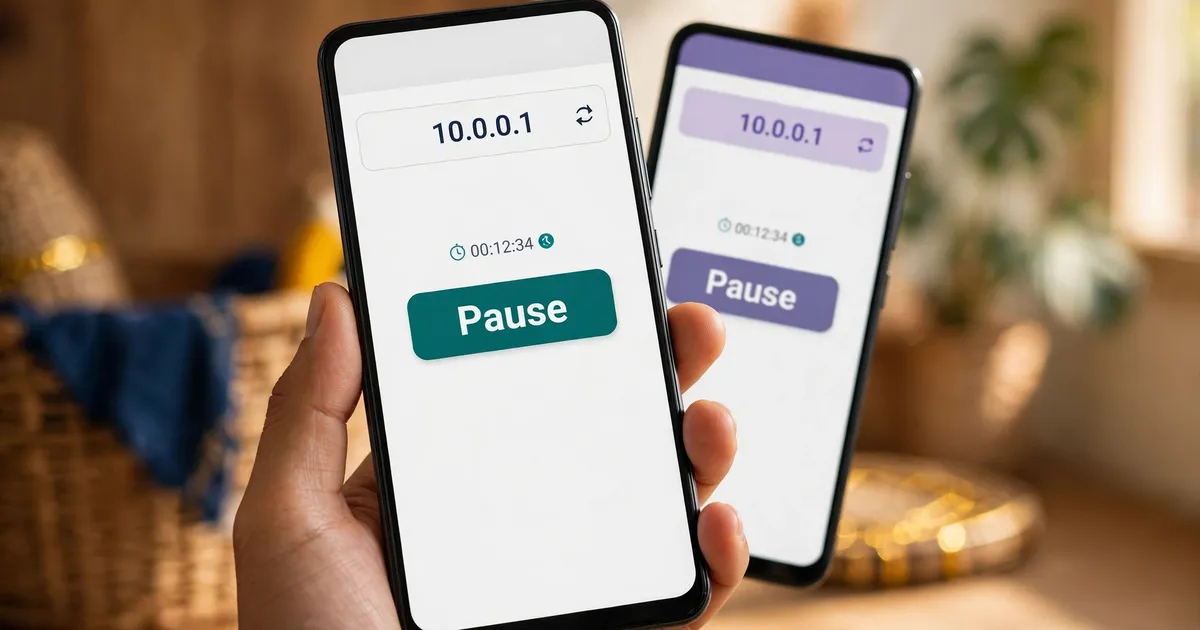
Yes. The Pause button sits on the vendo's 10.0.0.1 page, not inside a browser, so Chrome and Samsung Internet show the same portal. Pick whichever opens first on your Galaxy. Piso WiFi pause time on Samsung depends on two phone settings instead.
That's the part most guides skip. People blame the browser, switch to the other one, and hit the same wall when they try to pause Piso WiFi.
The wall is usually the phone. Galaxy phones add two features on top of plain Android: Intelligent Wi-Fi's "Switch to mobile data" and Secure Wi-Fi. Both are sensible on a café network. Both get in the way at a vendo.
Chrome has one setting of its own, the secure-connections warning. The Chrome pause guide covers it, so this page sticks to what's unique to Samsung.
Turn off mobile data, join the vendo WiFi, and tap the sign-in prompt. No prompt? Open Chrome or Samsung Internet and type http://10.0.0.1. Pay on the portal, tap Pause before you leave, and tap Resume on the same phone when you return.
Swipe down and switch mobile data off. The address 10.0.0.1 only exists on the vendo's WiFi, so a phone on data can't reach it.
Pick the vendo network in Settings, then Connections, then Wi-Fi. Android has checked new networks for a login page since Android 5.0, says Android Developers, so a sign-in prompt usually appears.
Tap the prompt, or type http://10.0.0.1 in either browser. Bookmark it once and you'll pause your Piso WiFi in two taps next time.
Insert coins or a voucher code, browse, and pause your Piso WiFi time before you walk away. The countdown freezes.
Reopen the portal and tap Resume. TP-Link Philippines says vendos match a paused session by IP or MAC address, so use the phone you paused with.
Those steps mirror the Android pause steps, because a Galaxy runs Android underneath. Private DNS lives in the same place too.
Intelligent Wi-Fi's "Switch to mobile data" moves the phone to mobile data when the WiFi connection looks weak. Before you pay, a vendo network has no internet, so the Galaxy can slip away from the portal. Turn the switch off while you use Piso WiFi.
Here's the menu path on a recent Galaxy, as carrier device guides list it:
Mobile data has to be on for the switch to appear at all. So if you can't find it, that's your answer: data is already off, and the switch can't pull you away.
Our take? Leave it off on days you live on Piso WiFi pause time on Samsung. Turn it back on at home, where it does its real job.
Yes, at times. Secure Wi-Fi encrypts traffic on public networks, and Auto protect switches on by itself when you join public or unreliable WiFi, like a vendo. Mark the vendo as trusted, or switch Secure Wi-Fi off while you pay and pause.
Samsung describes Secure Wi-Fi as a feature that encrypts internet traffic and blocks tracking apps. It works like a VPN, and Mozilla's portal guide lists a VPN among the first things to switch off when a sign-in page won't appear.
Samsung's path is Settings, then Security and privacy, then More security settings, then Secure Wi-Fi. Inside, Samsung lists three Auto protect choices:
The cleanest fix for Piso WiFi pause time on Samsung is the trusted-networks list. Add the vendo network there and Auto protect skips it, while every café network stays covered. And there's a bonus: the free allowance is 1,024 MB a month on Android 12 or newer, so you stop wasting it on a vendo.
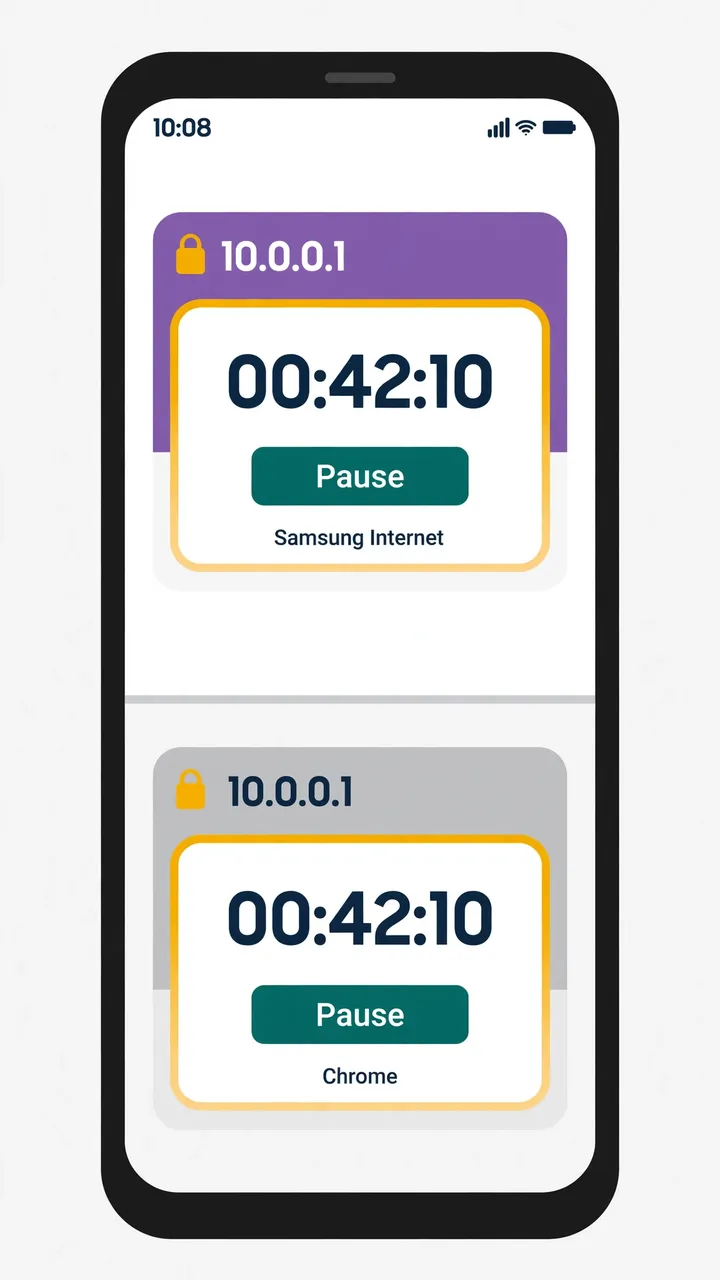
Either works for Piso WiFi pause time on Samsung, since both load the same portal. Chrome needs its secure-connections warning set to public sites only. Samsung Internet needs no change, and its Secret mode clears an old portal copy. Use the one you already open.
| Question | Chrome | Samsung Internet |
|---|---|---|
| Opens 10.0.0.1? | Yes | Yes |
| Setting that can block it | Always use secure connections (public and private sites) | None of its own; the Galaxy settings above apply |
| Private tab for a stale portal | Incognito | Secret mode |
| Same Pause button? | Yes | Yes |
Using Firefox or Opera on the Galaxy instead? The guide to other browsers has the setting each one hides. And for the reason the timer stops at all, read how pausing works on the vendo side.
The Galaxy facts come from Samsung's own support pages and a carrier device guide. Android Developers covers the sign-in check, Google covers Chrome's setting, Mozilla covers VPNs and portals, and TP-Link Philippines covers session matching. Each source is linked below.
These six answers cover the best browser on a Galaxy, the missing Switch to mobile data option, Secure Wi-Fi, Secret mode, resuming on another phone, and older Galaxy models. Each one is short, so you can pause Piso WiFi and get back online.
Neither is better. Both open the same 10.0.0.1 portal with the same Pause button, so use the browser you already have open.
Mobile data is off. The option only appears with mobile data on, so with data off it can't pull you away from the vendo anyway.
No. Add the vendo network to Secure Wi-Fi's trusted networks instead. Auto protect then skips the vendo but still covers café and hotel WiFi.
Yes. Your time lives on the vendo, not in the browser. Secret mode only erases cookies and history when you close its tabs.
No. The vendo matches your paused minutes to the device that paused them, by IP or MAC address, so resume on the same Galaxy.
The pause steps do. Menu names shift between One UI versions, so search Settings for Intelligent Wi-Fi or Secure Wi-Fi if the path looks different.
Open 10.0.0.1 and pause your time now, or fix a portal that will not load.